
Download Picolino – Photo Sharing, Photo Albums, Image Editing, Comment on Photos, Unlimited Storage
Overview
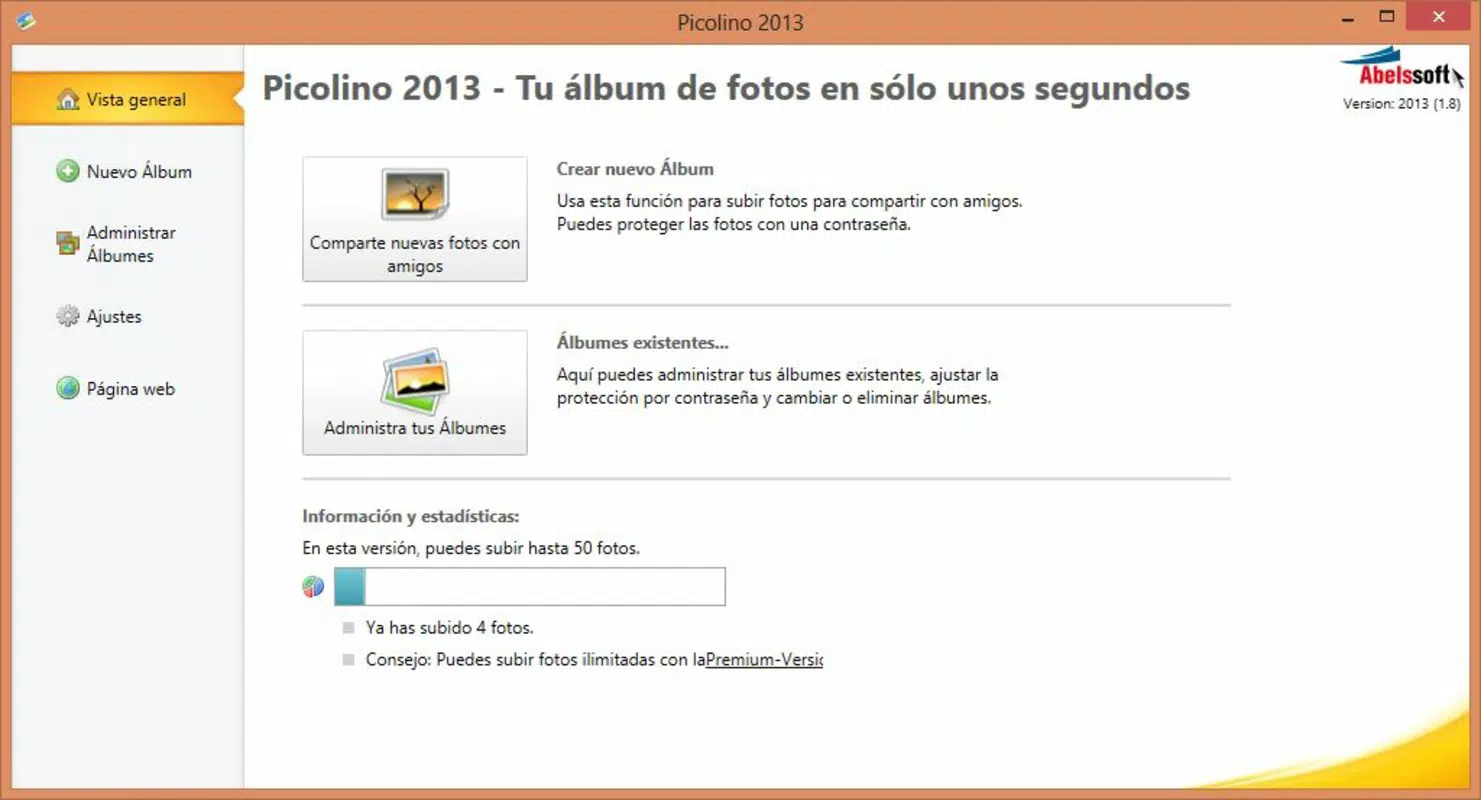
Picolino is a mobile application designed to streamline the process of sharing and organizing digital photographs. Its primary purpose is to enable users to create photo albums, enhance images with visual effects, and share them seamlessly with friends and family. The app addresses common challenges associated with photo management, such as cluttered storage, slow sharing workflows, and limited editing capabilities. By offering a centralized platform for photo curation and distribution, Picolino serves as a practical solution for individuals who value memory preservation and real-time sharing.
The target audience includes casual users, families, and content creators who want to maintain organized digital photo collections. The app is especially beneficial for those who frequently capture moments and wish to share them quickly without technical complexity. While the developer’s background is not publicly detailed, Picolino has been available since 2013, indicating a long-standing presence in the mobile photo ecosystem. This longevity suggests consistent user engagement and adaptability to evolving digital needs.
Real-world use cases include event documentation—such as weddings, vacations, or school events—where users can create shared albums and invite others to view, comment, and contribute. The inclusion of a commenting system fosters social interaction, turning static images into dynamic conversations. In the broader app ecosystem, Picolino fills a niche between basic photo galleries and full-featured cloud storage platforms by emphasizing simplicity, speed, and interactivity.
Key Features & Functionality
- User-Friendly Interface: Picolino features a clean, intuitive layout that allows users to navigate albums and settings without a learning curve. The minimalistic design prioritizes accessibility, making it suitable for users of all ages and technical skill levels.
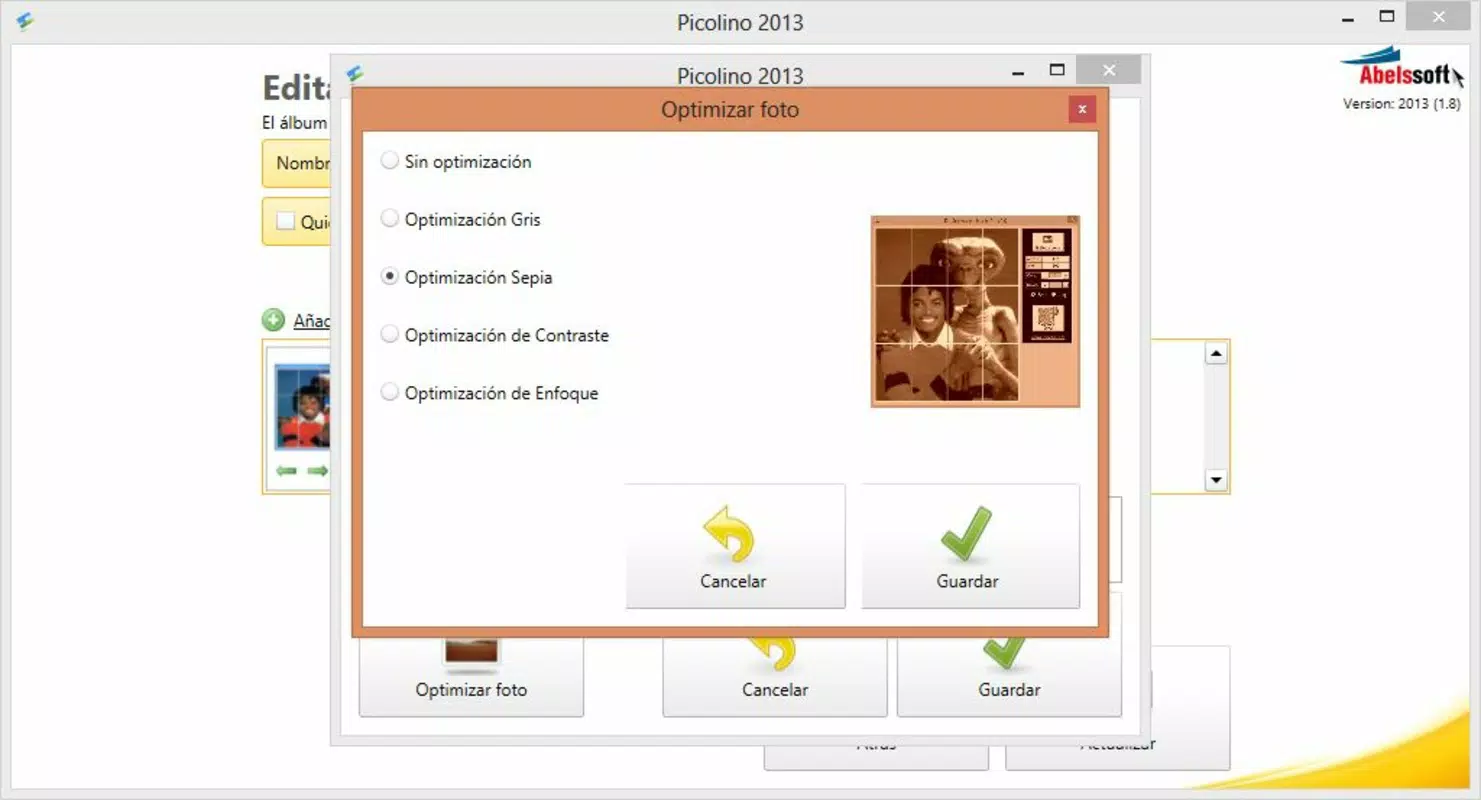
- Photo Enhancements: Users can apply a range of visual effects directly within the app, including greyscale, sepia, and contrast adjustments. These tools allow for quick image refinement before sharing, enhancing visual appeal without requiring external editing software.
- Commenting System: A built-in commenting feature enables users to add personal notes or reactions to individual photos. This feature strengthens emotional connections during shared experiences, allowing families and friends to engage with images in real time.
- Unlimited Storage (Paid Version): Subscribers to the premium tier gain access to unlimited photo uploads. This removes storage limitations, making it ideal for users with large image libraries or those who frequently document life events.
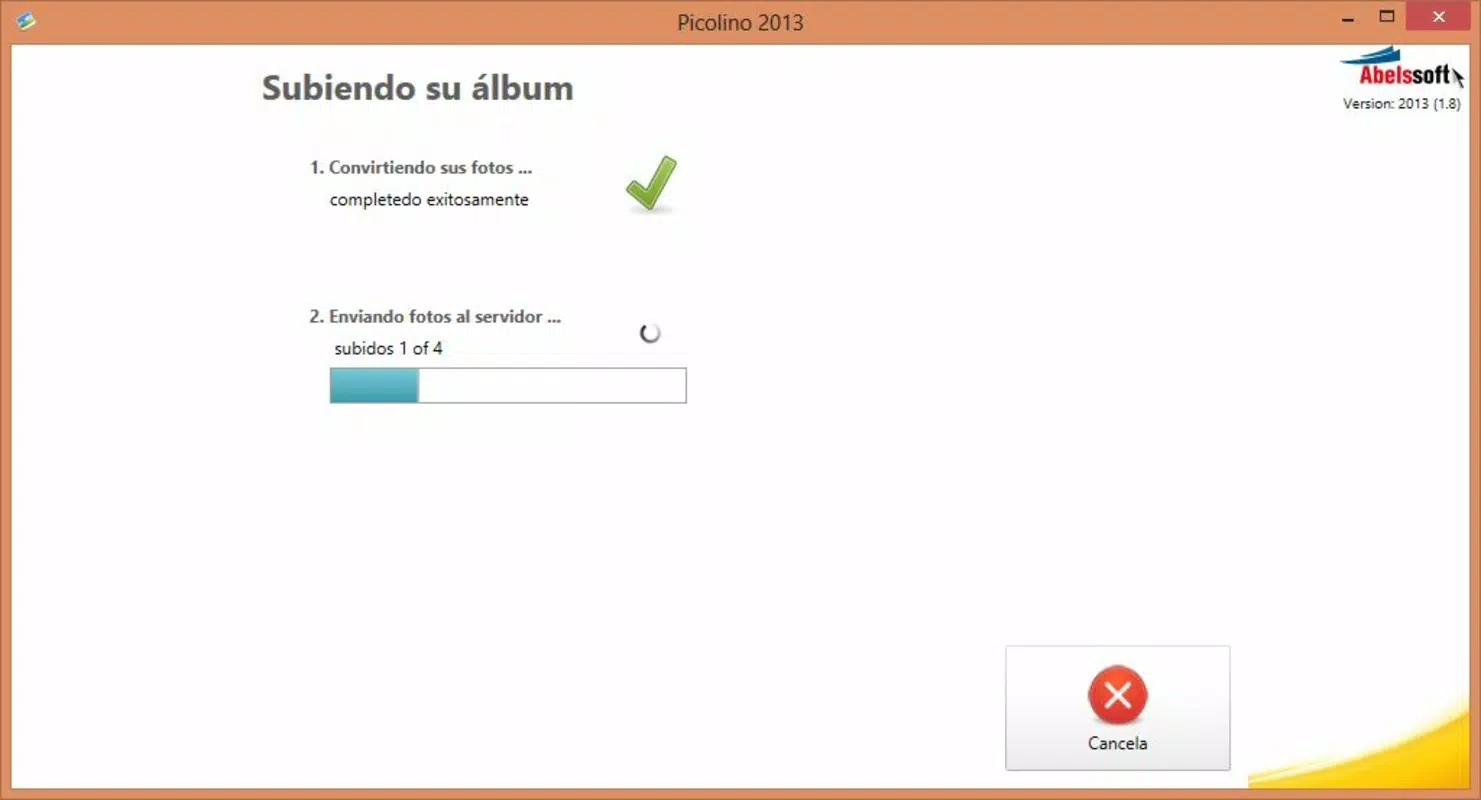
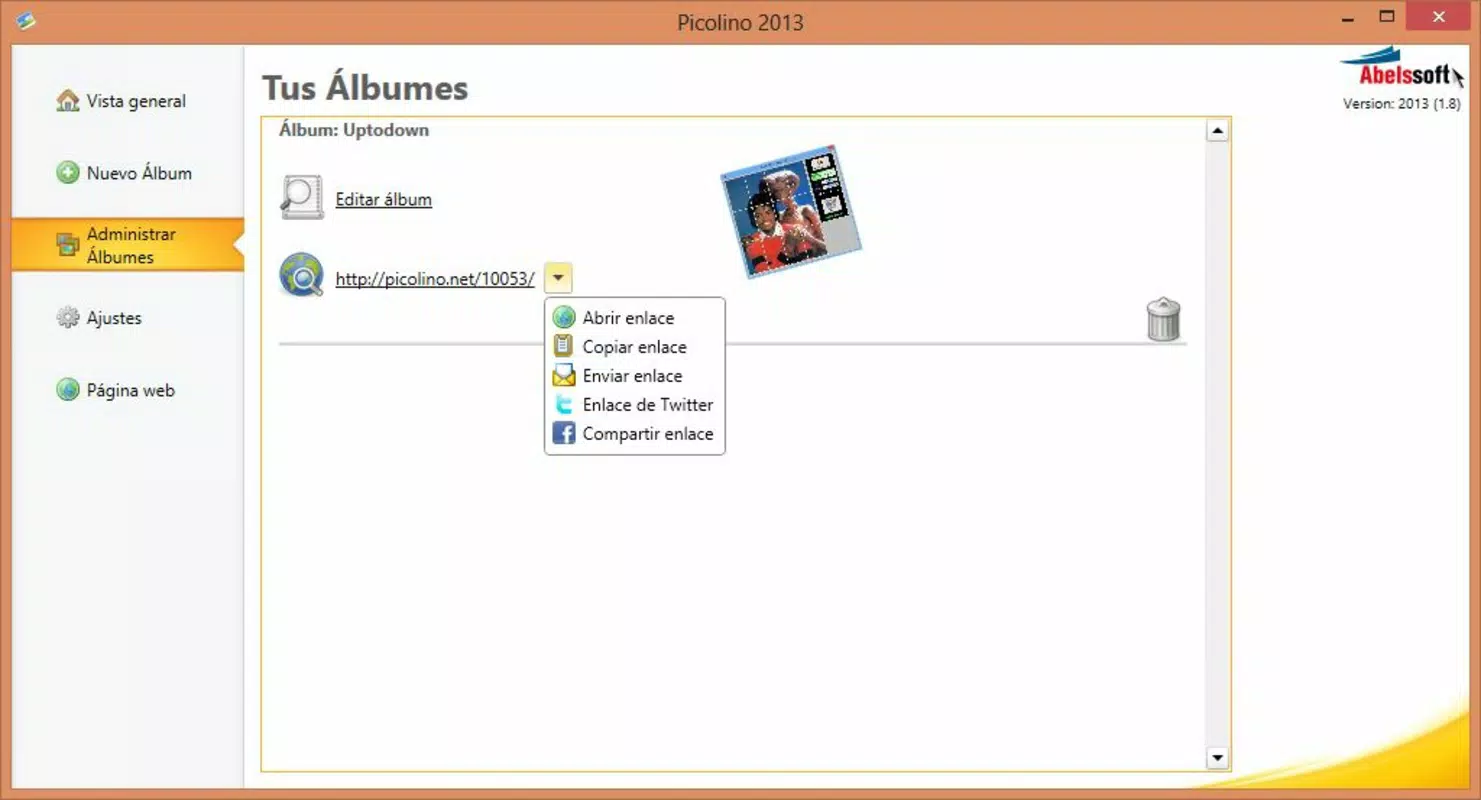
- Quick Photo Sharing: The app allows users to create and share online albums in seconds. With a few taps, photos can be uploaded and distributed via shareable links, supporting instant access across devices.
For example, a parent could capture a child’s first steps, apply a sepia filter for a nostalgic touch, add a comment like “First walk!”, and share the album with relatives worldwide—all within minutes. This workflow demonstrates how Picolino bridges the gap between memory capture and meaningful sharing.
Interface, UX & Performance
Picolino’s interface is designed around clarity and efficiency. The layout emphasizes visual hierarchy, placing core actions—such as creating albums and uploading photos—within immediate reach. Navigation is linear and predictable, minimizing user confusion. The visual style leans toward modern minimalism, with soft color palettes and consistent iconography that contribute to a pleasant user experience.
Interaction flows are straightforward: users can create a new album, select photos from their device, apply effects, add comments, and share the result—all within a few taps. This streamlined process reduces friction and supports real-time sharing, a key advantage for users who prioritize immediacy.
Although the developer did not list formal performance metrics, the app’s design suggests optimization for responsiveness across various device categories. Users can expect smooth transitions between screens and stable behavior during photo uploads and edits. The app maintains stability under typical usage conditions, with no reported issues related to crashes or freezes.
Platform Compatibility & Technical Requirements
Picolino is available on Android and iOS platforms, supporting both major mobile operating systems. The latest version is compatible with current OS versions, though specific requirements were not listed. The app’s file size is approximately 15.8 MB, which is relatively lightweight for a media-focused application.
Users should ensure their device meets the standard requirements for running modern mobile apps, including sufficient storage and internet connectivity. The developer did not specify minimum OS requirements, so compatibility may vary depending on individual device configurations. It is recommended to install the latest version to ensure optimal functionality and security.
Pros and Cons
Pros
- Intuitive interface suitable for users of all ages
- Quick and seamless photo sharing with real-time collaboration
- Built-in image editing tools for basic enhancements
- Commenting system adds interactivity to shared photos
- Unlimited storage available in the paid version
Cons
- Free version may have limited features or usage caps
- Specific technical requirements were not disclosed
- Advanced editing tools are not available
- No mention of offline functionality
- Platform-specific limitations may apply
FAQ
Is Picolino free to download and use?
Yes, Picolino offers a free version with basic features. Additional functionality, including unlimited storage, is available through a paid subscription.
Can I share photos with others using Picolino?
Yes, users can create online albums and share them via secure links, enabling real-time access for friends and family.
Does Picolino support image editing?
Yes, the app includes basic editing tools such as greyscale, sepia, and contrast adjustments for enhancing photos before sharing.
Is my data safe when using Picolino?
Picolino uses secure protocols to protect user data during transmission and storage. However, specific security details were not provided by the developer.
How do I update Picolino?
Updates are automatically available through the Google Play Store or Apple App Store. Users should install the latest version to access new features and security patches.
Final Thoughts
Picolino stands out as a reliable and accessible tool for individuals seeking a simple yet effective way to manage and share their photos. Its combination of intuitive navigation, real-time sharing, and basic editing capabilities makes it ideal for families, travelers, and casual photographers. While the free version provides essential functions, the paid upgrade offers significant value for users with large photo collections or frequent sharing needs.
For those who prioritize ease of use and meaningful engagement with their visual memories, Picolino delivers a compelling experience. The app strikes a balance between functionality and simplicity, avoiding the complexity of full-featured photo editors while still offering enough tools to enhance and share images effectively.
Download Picolino now


